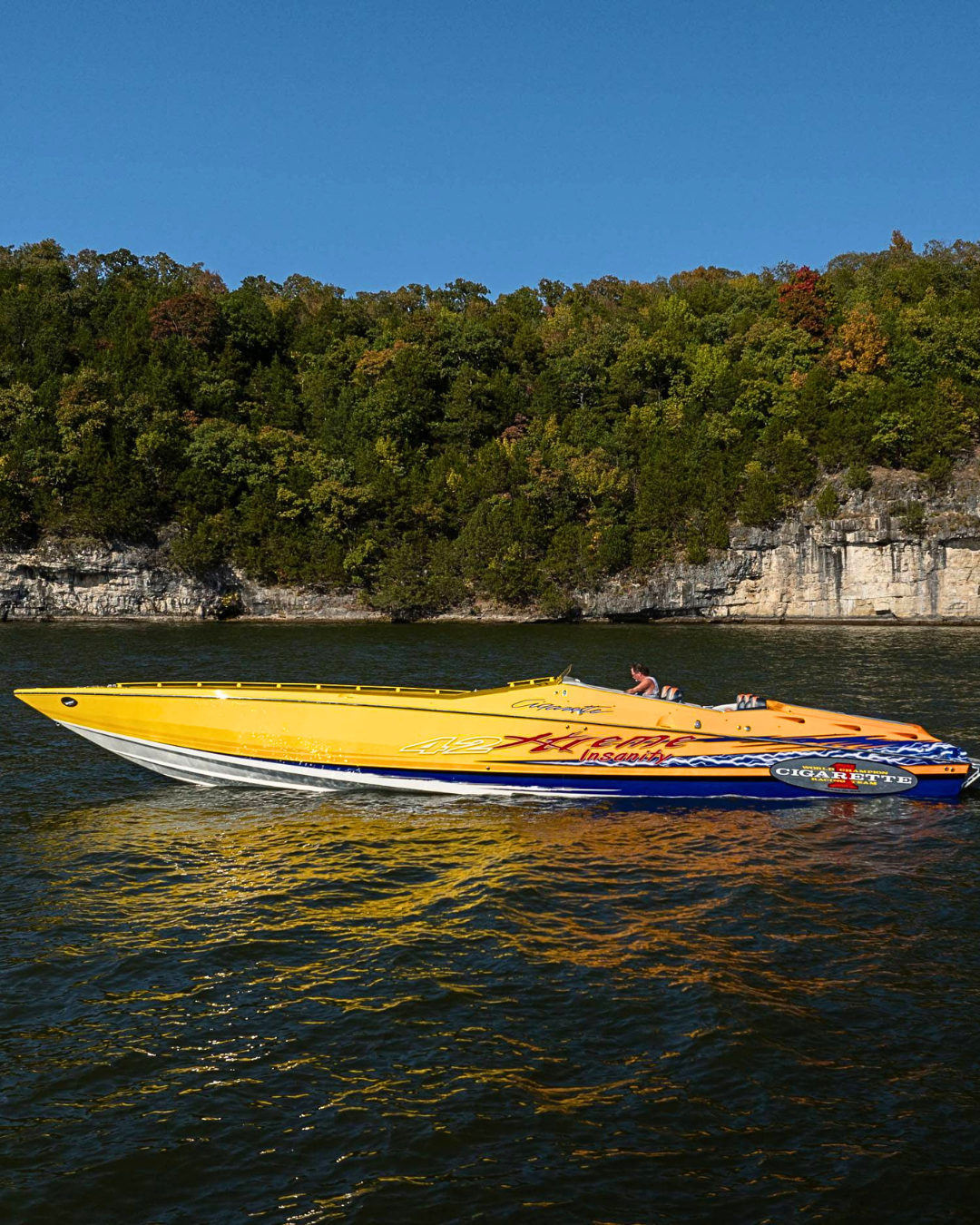
There are certain boats that demand a certain level of everything — and the 2007 Cigarette 42x is one of them. With a speedboat hull built for going fast and a cockpit designed for the serious enthusiast, settling for mediocre audio simply wasn’t an option for this owner. So they called Epic Audio, and we got to work.
The Install: Clean, Purposeful, Built to Last
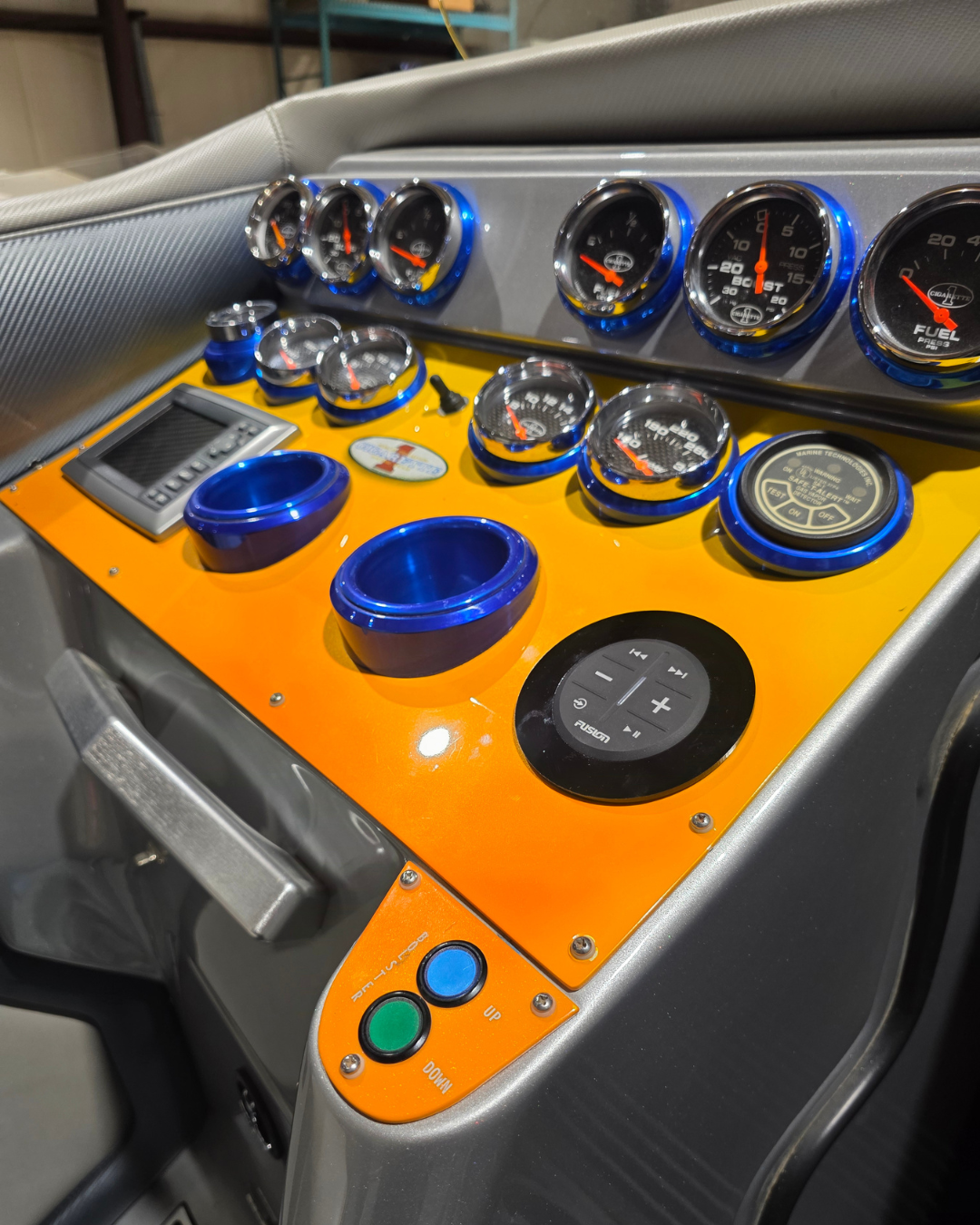
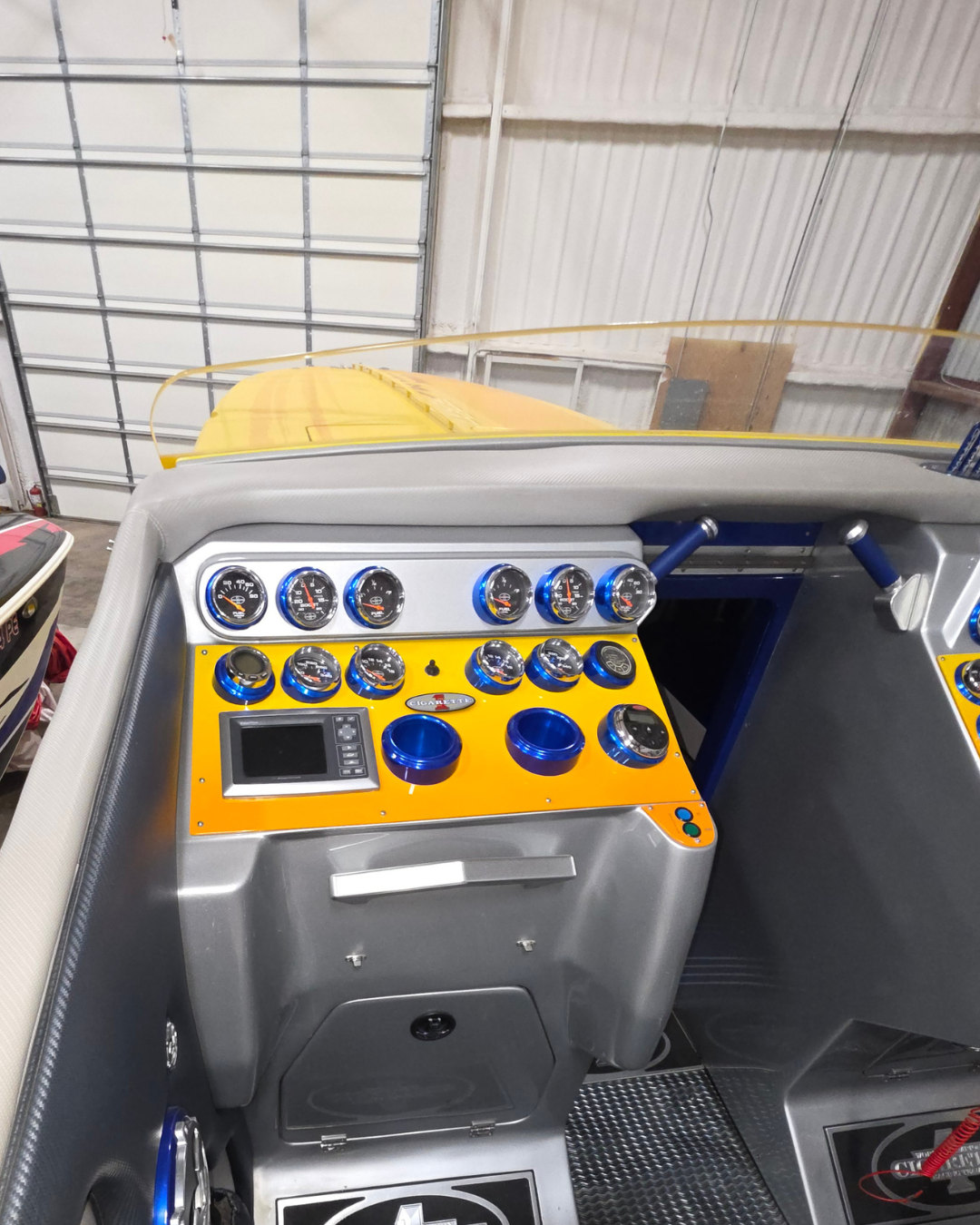
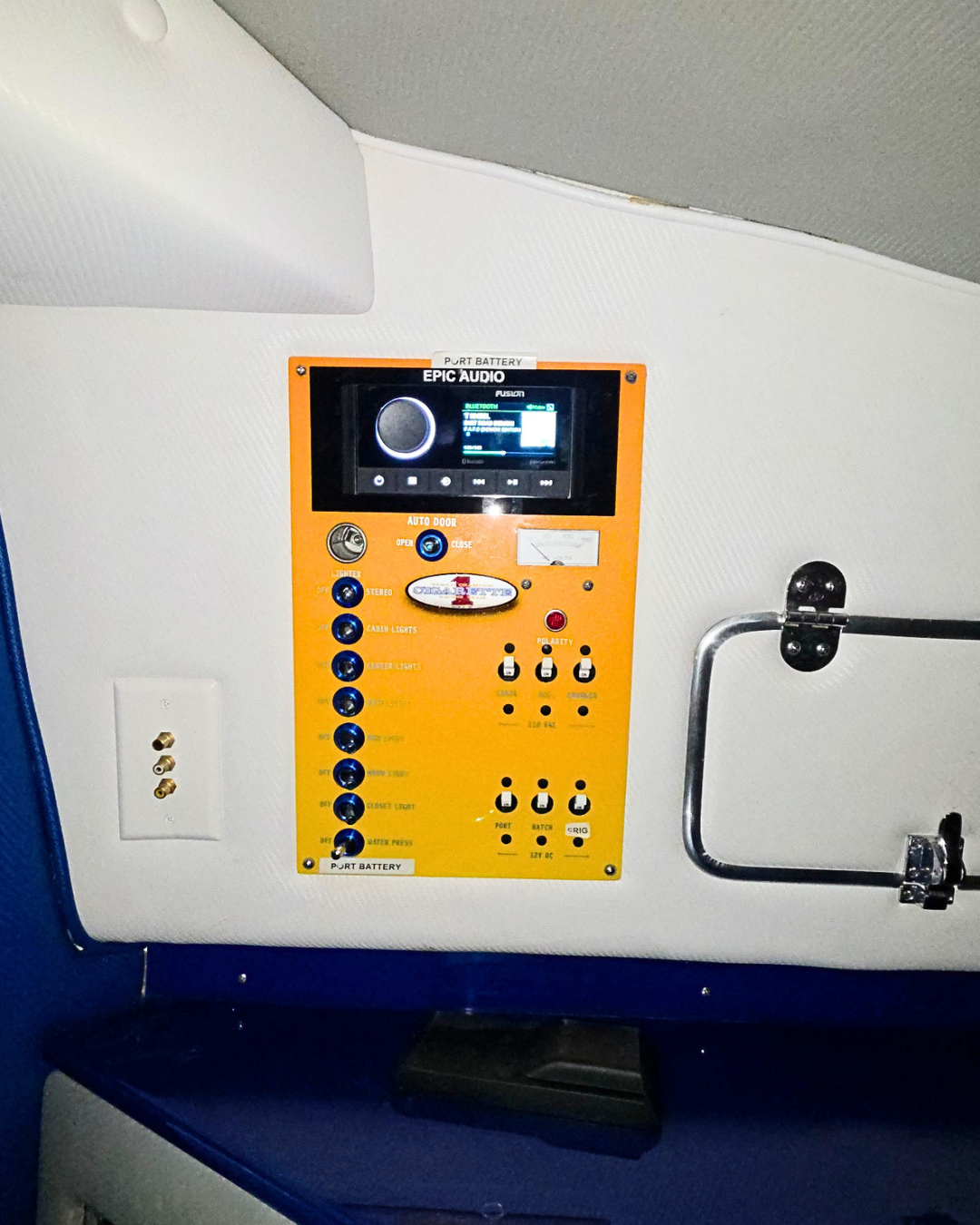
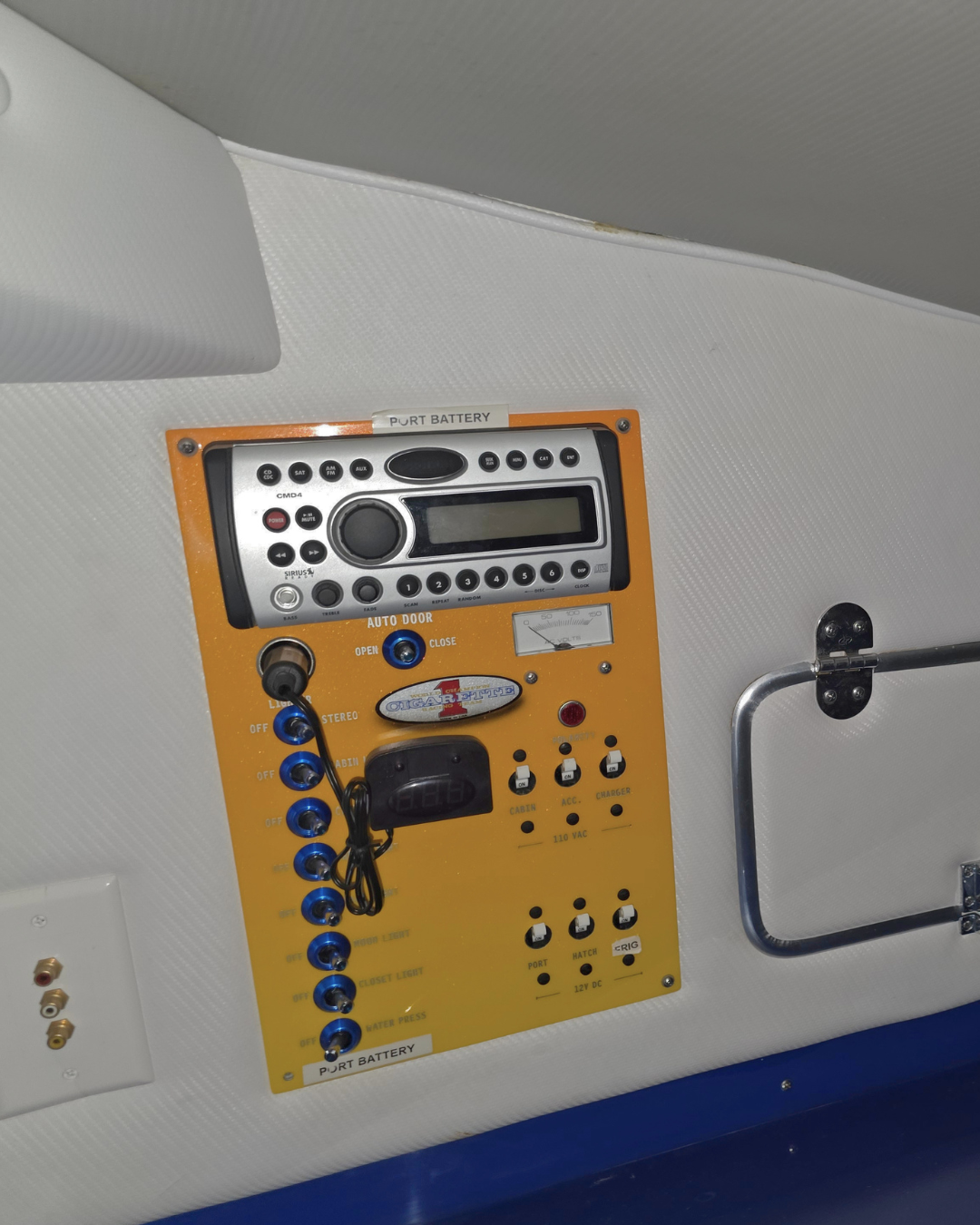
We recently completed a full Fusion marine audio upgrade on this stunning Cigarette 42x, including a new Fusion head unit and remote. Fusion has earned its reputation in the marine world for good reason — their systems are engineered specifically for harsh saltwater environments, delivering rock-solid reliability alongside genuinely impressive sound quality. No shortcuts, no guesswork.
On a performance boat like the Cigarette 42x, the installation itself has to be as precise as the engineering of the vessel. Every connection was run cleanly, every component was mounted securely, and the remote was positioned exactly where the driver needs it — accessible at speed without distraction. The finished result looks factory-clean and performs to match.
On the Water, the Difference Is Real
Picture this: you’re offshore, throttle down, twin engines humming. Now add crisp, full audio that actually cuts through the wind and water noise. That’s what a properly installed Fusion system delivers. Whether you’re cruising at a relaxed pace or pushing the 42x to what it was built for, the sound stays clear, balanced, and powerful.
A great marine audio upgrade doesn’t just change what you hear — it changes how the whole experience feels out on the water.
Ready to Upgrade Your Boat?
If your boat’s audio setup doesn’t match the quality of your vessel, it’s time to change that. Epic Audio specializes in marine audio, electronics, and lighting installations tailored to your specific boat and the way you use it.
Contact us today for a FREE quote: Phone: [phone number] Email: [email address]
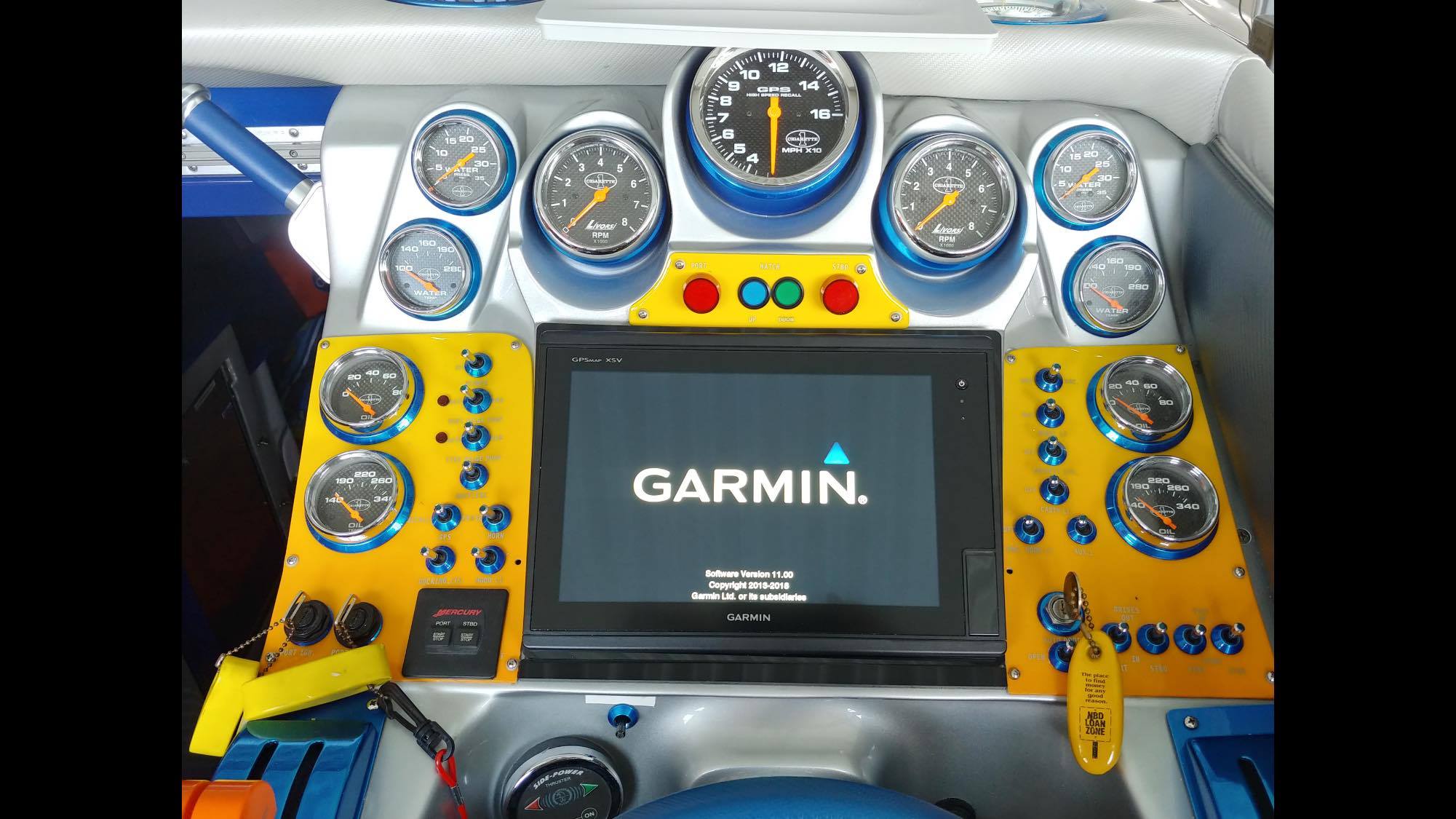
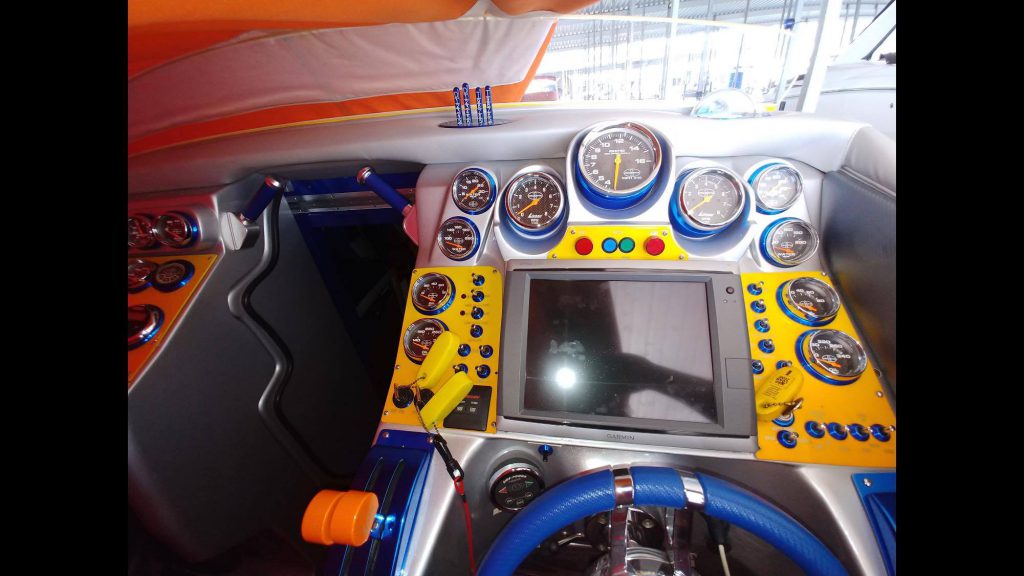
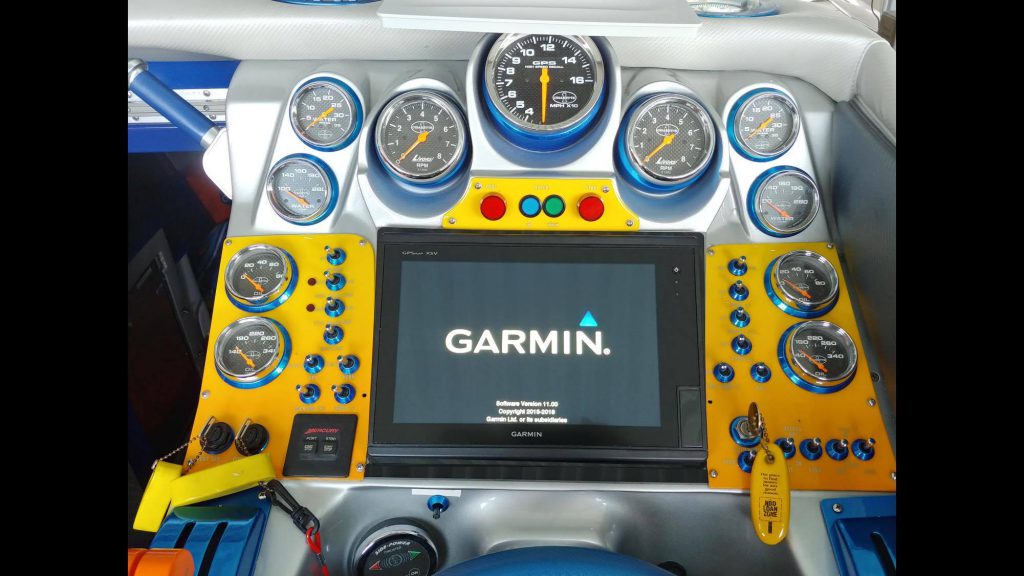
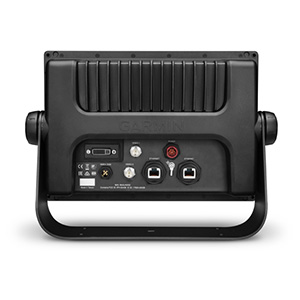
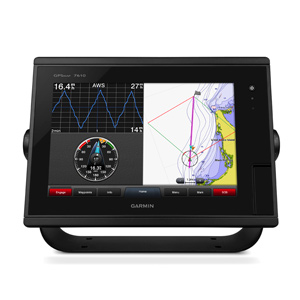
Owner of Epic Audio, Jason, installed a new Garmin GPSMAP 7610 which is a great 10 inch touchscreen in a local residents very powerful Cigarette Boat.
Before InstallationAfter Garmin is Installed
Getting a new boat with a touchscreen doesn’t mean that the electronics screen comes with good software or has the current update. This older technology that you may be buying with the boat, may cause more problems than you think. Make sure that you have the newest technology and the most current maps with a system that has the capability to connect with your other electronics.
This is were Garmin comes in with the best in safety and navigation.
With a system that offers so much, we will like to feature a couple in this post to help the residents of Lake of the Ozarks understand the value of a Garmin unit.
Simplified SOS Calling
This exclusive SOS safety assist feature makes it easier for anyone – even those not familiar with marine electronics or radio protocols – to quickly call for Coast Guard help in an emergency. By simply tapping the SOS button on the chartplotter’s touchscreen display, your networked Garmin VHF radio will automatically tune to the Channel 16 emergency frequency and a list of possible situations—fire, man overboard, etc.—will be displayed. Once the applicable choice has been selected, the screen will provide a Coast Guard approved VHF radio distress call script, along with the ship’s current lat/long GPS coordinates, that can be read off to responders – thus saving time, averting panic, and providing the essential information needed by rescuers to assure the best possible outcome.
Upgrade with the Best Maps on the Water
Two SD™ card slots provide expandable memory for accessory map purchases, such as LakeVü HD Ultra with Max Def Lakes or BlueChart g2 Vision that add Garmin patented Auto Guidance and other great features.
FUSION-Link Entertainment System
Enjoy the ability to control all compatible FUSION-Link-enabled audio systems directly from your compatible chartplotter display.
The Ultimate Connected Boating App
Built in Wi-Fi gives you access to the free all-in-one ActiveCaptain® app, so you can manage your marine experience from nearly anywhere. It creates a simple yet powerful connection between your compatible mobile device and your Garmin chartplotter, charts, maps and the boating community. Wherever you are, you’ll have unlimited access to your cartography, the ability to purchase new maps and charts and access to the Garmin Quickdraw™ Contours Community. Stay connected with smart notifications on your chartplotter screen. You can also plan a trip or prefish a lake, and ActiveCaptain will automatically sync with your chartplotter. Even get notifications for software updates, and decide when to download them on your device.
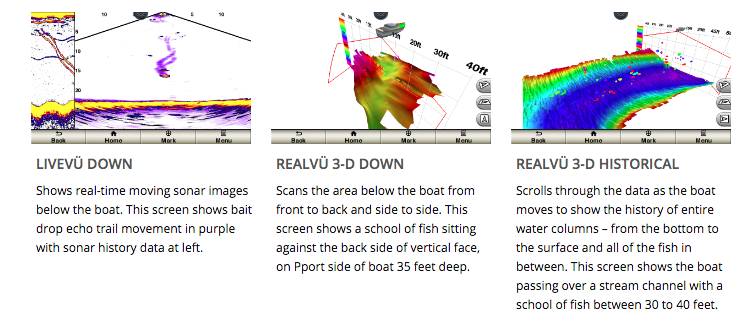
With 1 Panoptix Down transducer, you get 3 remarkable views, allowing you to actually see fish and bait swimming around under your boat – in real time. You can even see fish in the water column in 3-D, from the bottom to the surface. You can be stationary yet still see things in 3-D below your boat.
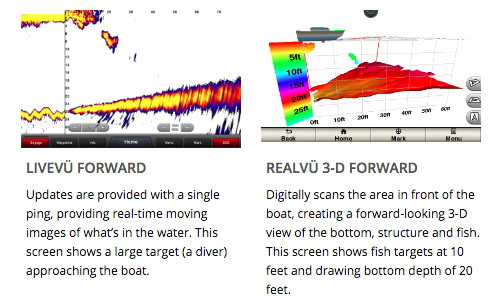
One Panoptix Forward transducer provides 2 impressive views, even while your boat is stationary. It shows the bottom plus fish and bait swimming in the water column in front of your boat – in real time. You can even see your lure as you reel it in. You can also get 3-D views of fish and structure in front of your boat.
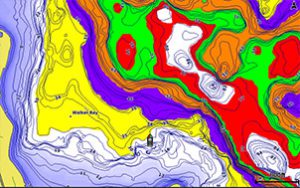
Designate up to 10 different depth ranges each with its own color. Makes it easier to view target depths at a glance.
Commission Autopilot from Chartplotter
To make commissioning easier and more convenient, you can handle the entire autopilot commissioning process from your chartplotter screen.
Axis and FLIR Camera Support
Garmin offers support for select Axis cameras and for select FLIR cameras. These can be used for surveillance and situational awareness on vessels of any size. You can control your camera’s pinch-to-zoom and pan/tilt settings with gestures directly on the plotter screen and view video on multiple screens as well as multiple video streams on the same screen. Use an Axis encoder to convert analog camera, such as Garmin GC 10, to video over IP.
Make sure that you have the newest technology and the most current maps with a system that has the capability to connect with your other electronics.